


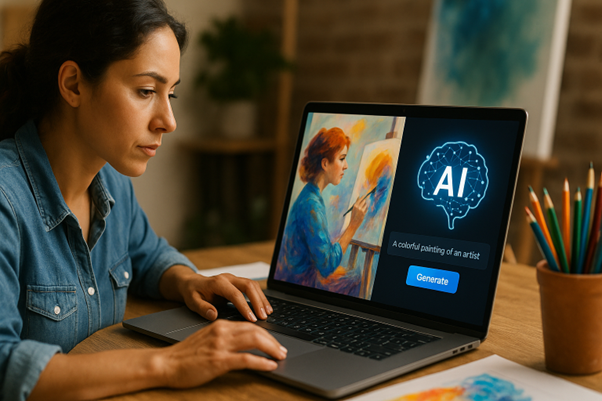
Here are seven simple ways to use AI to supercharge your creative work.
- Generate Visuals with an AI Text to Image Tool
With an AI text-to-image tool, you could type “cosy cafe with soft lighting” and watch it create in seconds. You can also ask AI to make tweaks, like tweaking lighting, colours, or camera angles.
- Master the Art of Prompt Writing
Learning how to write AI art prompts takes practice, but the more accurate you are about what you want, the more useful your end result will be.
Begin with your subject, then build it up by adding detailing such as lighting, texture, colour, tone or mood. For example, “portrait of woman in 1960s dress style, pastel colours, natural lighting” will always yield better results than something vague like “vintage portrait.”
- Use AI for Brainstorming Sessions
Take your ideas and toss them into ChatGPT, Notion AI, or Jasper for easy brainstorming. Generate something fresh that reignites your own creative juices.
- Polish Your Writing and Scripts
Use tools like Grammarly, Hemingway or Jasper to correct grammar, smooth clunky lines and further polish your drafts.
- Turn Ideas into Video Concepts
Tools like Runway and Pictory build short clips, B-roll, or concept reels from text prompts or your own footage. They’re great for sketching out storyboards or testing before shoots. The instant visual feedback here can help you figure out what to shoot.
- Automate the Boring Bits
AI can rewrite, resize visuals, sort out files, and manage schedules so you can spend more time creating and less time stressing. It’s about shifting focus from busywork to meaningful work.
- Experiment and Play Around
Try out wild ideas in seconds. Perhaps you’re curious about what your art might look like as a sculpture, or how to turn a podcast quote into a digital poster. You can even use AI for coding!
Use AI to Boost Creativity, Not Replace It
Once you start using AI, it just slips into your routine.
Give these tools a shot! They may inspire your next great idea.